Massive Power Point Template: A Strategic Tool for Professional Presentations
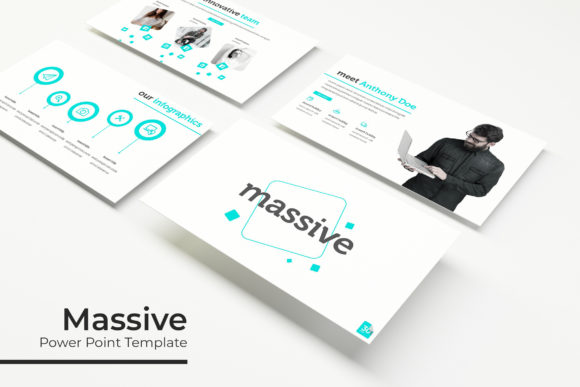
The Massive Power Point Template is a comprehensive presentation solution designed for professionals, educators, marketers, and entrepreneurs who need to deliver impactful visual content. With 150 slides across five pre-made color themes, this template offers a structured yet flexible foundation for creating polished and professional presentations. Its strategic design ensures that users can focus on content while maintaining a cohesive visual identity.
Why the Massive Power Point Template Matters
In today’s fast-paced business environment, the ability to communicate ideas clearly and effectively is essential. The Massive Power Point Template provides a ready-to-use framework that supports both creative expression and strategic communication. By offering a variety of design options, it helps users align their presentations with brand guidelines, audience expectations, and specific objectives.
For instance, a marketing professional preparing a pitch deck can use the template to maintain consistency in visuals while emphasizing key data points. An educator might leverage the template to create engaging lesson plans that are visually appealing and easy to navigate. The flexibility of the template makes it suitable for a wide range of applications, from internal meetings to client presentations.
Key Features of the Massive Power Point Template
The Massive Power Point Template includes several features that enhance usability and design quality:
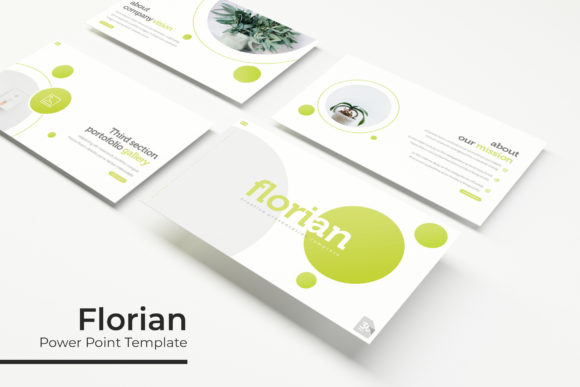
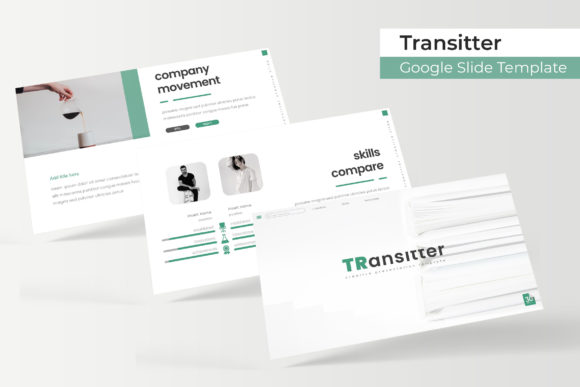
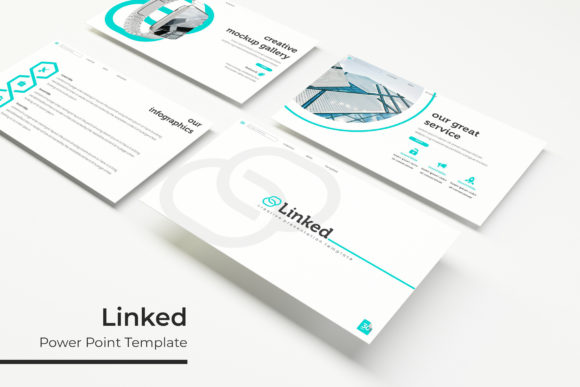
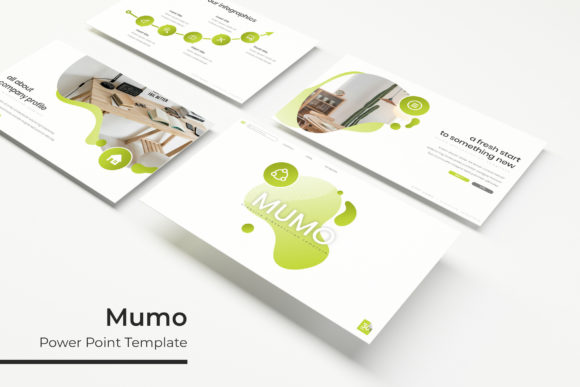
- 5 Premade Color Themes: Each theme offers 30 slides, allowing users to choose a style that matches their brand or project needs.
- 5 Color Variations: These variations provide additional customization options, ensuring that the template can be adapted to different contexts and preferences.
- Handcrafted Infographic Sections: Designed for clarity and impact, these sections help users present complex data in an easily digestible format.
- Section Break Slides: These slides help organize content into distinct sections, making the presentation more structured and easier to follow.
- Gallery and Portfolio Slides: Ideal for showcasing work, products, or case studies, these slides allow for a visually compelling narrative.
- Resizable and Editable Graphics: Users can easily adjust images and graphics to fit their specific needs without compromising quality.
- Drag-and-Drop Based on Master Slides: This feature simplifies the design process, enabling users to build presentations efficiently.
- Pixel-Perfect Illustrations: High-quality illustrations ensure that the final output looks professional and polished.
These features combine to create a powerful tool that balances aesthetics with functionality. Whether you're presenting to stakeholders, teaching a class, or launching a product, the template provides the necessary tools to make your message stand out.
Strategic Use of the Massive Power Point Template
Using the Massive Power Point Template effectively requires more than just selecting a slide layout. It involves thoughtful planning and a clear understanding of the presentation's purpose. Here are some strategies to consider:
- Define Your Objective: Before starting, identify the main goal of the presentation. Is it to inform, persuade, or inspire? Knowing the objective will guide your choice of content and design elements.
- Understand Your Audience: Tailor the template to the preferences and expectations of your audience. For example, a younger audience may respond better to vibrant colors and modern layouts, while a corporate audience may prefer a more subdued and professional look.
- Organize Content Strategically: Use the section break slides to divide the presentation into logical segments. This improves flow and makes it easier for the audience to follow along.
- Focus on Visual Storytelling: Leverage the infographic and gallery slides to tell a compelling story. Visuals can reinforce key messages and make complex information more accessible.
- Customize Thoughtfully: While the template provides a solid foundation, avoid over-customizing to the point of losing consistency. Maintain a balance between personalization and professionalism.
By following these strategies, users can maximize the value of the Massive Power Point Template and create presentations that resonate with their audience.
When to Use the Massive Power Point Template
The Massive Power Point Template is most effective when used in situations where clarity, consistency, and professionalism are important. Some common scenarios include:
- Business Presentations: Whether pitching to investors, presenting quarterly results, or sharing project updates, the template provides a reliable structure for delivering key messages.
- Educational Materials: Teachers and trainers can use the template to create engaging lesson plans, training modules, and instructional videos.
- Marketing Campaigns: Marketers can leverage the template to develop campaign decks, client proposals, and sales presentations that reflect brand identity.
- Portfolio Showcases: Freelancers, designers, and creatives can use the gallery and portfolio slides to showcase their work in a professional and organized manner.
- Internal Communications: Teams can use the template for internal meetings, project updates, and team presentations to ensure consistent messaging across departments.
Each of these scenarios benefits from the structured approach and visual appeal of the Massive Power Point Template.
Potential Risks of Using the Template Without Clarity
While the Massive Power Point Template is a valuable resource, it is not a substitute for thoughtful planning. Using it without a clear purpose can lead to generic, unengaging presentations. Some risks include:
- Lack of Focus: Without a defined objective, the presentation may become disorganized and fail to convey a strong message.
- Over-Reliance on Design: Focusing too much on visuals can distract from the content, leading to a presentation that looks good but lacks substance.
- Misalignment with Branding: If the template is not customized properly, it may not reflect the organization’s brand identity, leading to a disjointed appearance.
- Reduced Creativity: Relying too heavily on pre-designed slides can limit the user’s ability to express unique ideas and perspectives.
To avoid these risks, it is essential to approach the template as a tool rather than a shortcut. Use it to support your goals, not replace your strategy.
Best Practices for Maximizing the Template’s Value
To get the most out of the Massive Power Point Template, consider the following best practices:
- Start with a Clear Plan: Outline the key points you want to cover and how they will be presented. This helps ensure that the template is used in a way that supports your message.
- Use the Readme File: The included readme file provides useful information about fonts, color variations, and other details. Refer to it to make sure you’re using the template correctly.
- Experiment with Layouts: Don’t be afraid to try different slide layouts and design elements. Experimentation can lead to more creative and effective presentations.
- Review and Refine: After creating a draft, review the presentation for consistency, clarity, and impact. Make adjustments as needed to improve the overall quality.
By following these practices, users can transform the template into a powerful asset that enhances their communication and decision-making processes.
Conclusion: Intentional Use of the Massive Power Point Template
The Massive Power Point Template is more than just a collection of slides—it’s a strategic tool that can elevate the quality of your presentations. When used intentionally, it supports clarity, creativity, and professionalism. However, its effectiveness depends on how well it is aligned with your goals, audience, and content.
By taking a thoughtful and strategic approach, users can harness the full potential of the template to achieve better results in their communication efforts. Whether you're presenting to clients, teaching a class, or sharing ideas with colleagues, the Massive Power Point Template offers a reliable foundation for success.