Dolce Power Point Template: A Versatile Presentation Solution for Professionals and Creators
Presentation design can be a time-consuming part of professional work, especially when you need consistent results across multiple projects or clients. The Dolce Power Point Template offers a structured yet flexible option for those who rely on PowerPoint regularly. With 150 total slides spread across five complete color variations, this template set attempts to balance creative freedom with practical efficiency. Whether you are a marketer preparing client pitches, an educator developing course materials, or a freelancer building brand presentations, understanding what this template actually delivers matters more than flashy preview images.
What the Dolce Power Point Template Actually Includes
The Dolce Power Point Template is not a single file but a collection of five complete PowerPoint templates, each with its own distinct color scheme. Every template contains 30 slides, bringing the total to 150 individual slides across the entire package. This structure alone sets it apart from simpler template offerings that provide only one color variant and a limited slide count.
Each of the five templates comes as a separate PPTX file, and all are available in widescreen format. The five premade color variations allow you to choose a palette that fits your brand or project without needing to manually adjust colors across dozens of slides. For users who work with multiple clients or departments, having these prebuilt options reduces setup time considerably.
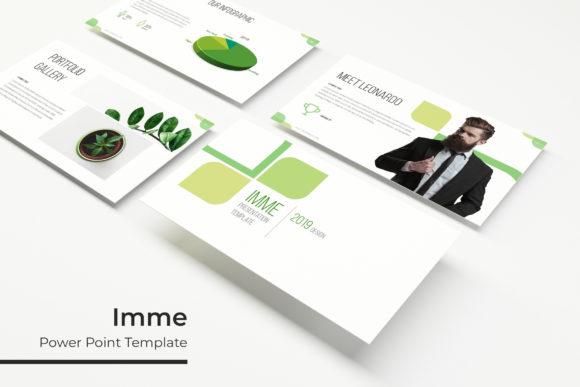
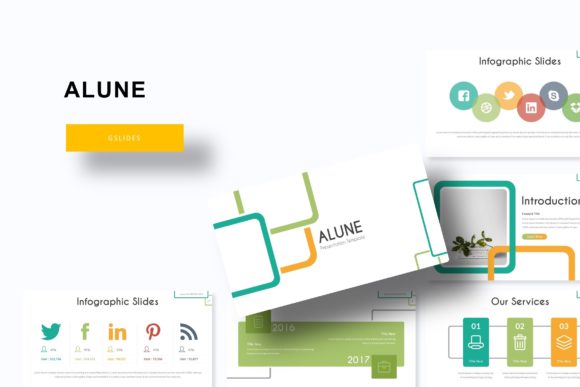
Beyond the slide count and color variations, the template includes handcrafted infographics, section break slides, and dedicated gallery and portfolio slides. These elements suggest the template was designed with content variety in mind, not just repetitive layouts with swapped text placeholders.
Consistency Through Master Slides
One of the most practical features of the Dolce Power Point Template is its reliance on Master Slides. When you edit a master slide, the change propagates across all slides based on that master. This is not a minor convenience; it is a structural decision that affects how quickly you can produce polished presentations. For professionals who present regularly, master slides reduce the risk of formatting inconsistencies, misplaced elements, or font mismatches that creep in when editing slides individually. This template makes that workflow central to its design.
Resizable and Editable Graphics
Many PowerPoint templates lock graphics into fixed positions or sizes, forcing you to accept the original layout or rebuild elements from scratch. The Dolce Power Point Template uses resizable and editable graphics, which means you can adjust diagrams, icons, and illustrations to fit your content without losing visual quality. This flexibility is especially useful when you need to adapt a slide deck for different audiences or when the original layout does not quite match your message.
Picture Placeholders with Drag-and-Drop Functionality
Image-heavy presentations, such as portfolio reviews, product showcases, or event recaps, benefit from picture placeholders that accept images through simple drag-and-drop. The Dolce Power Point Template includes these placeholders, so you do not need to resize, crop, or reposition images manually. For photographers, designers, or marketers who frequently swap visuals, this feature shaves minutes off each slide edit and helps maintain consistent image framing throughout the deck.
Pixel-Perfect Illustrations
The term "pixel-perfect illustrations" indicates that the vector-style graphics in this template are aligned precisely with the slide dimensions and grid. In practice, this means you are less likely to encounter blurry edges, misaligned icons, or awkward spacing when scaling elements. For presentations delivered on large screens or printed materials, this attention to detail contributes to a more professional appearance.
Marketers and Brand Managers
If you regularly produce presentations for different campaigns, clients, or internal teams, having five color variations ready to go eliminates repetitive formatting work. You can maintain brand consistency while still offering visual variety. The section break slides also help structure longer presentations, which is useful for strategy decks or annual reports.
Freelance Creators and Designers
Freelancers who build presentations for multiple clients often need templates that look distinct but work similarly. The Dolce Power Point Template provides that consistency across projects. The portfolio and gallery slides are particularly relevant for designers, photographers, and other visual professionals who showcase samples of their work.
Educators and Trainers
Course materials, workshop slides, and training modules benefit from clear section breaks and infographic elements. The handcrafted infographics in this template can help explain processes, statistics, or comparisons without requiring you to build charts from scratch. The drag-and-drop image placeholders also simplify adding screenshots or diagrams.
Small Business Owners
Small business owners who manage their own presentations often lack the time to design slides from scratch. A template set with 150 slides across five colors means you can select a palette that matches your existing brand materials and start populating content immediately. The master slides approach also means you can customize fonts and colors globally if you need to align with brand guidelines.
Practical Considerations and Limitations
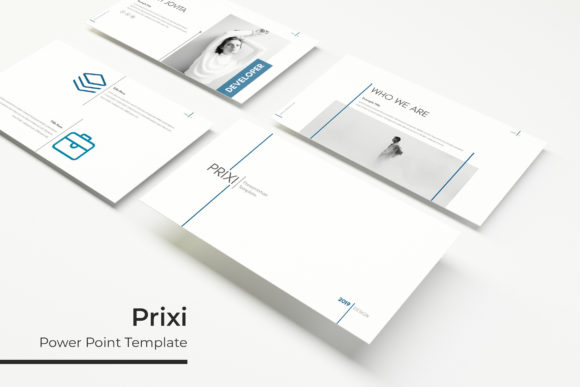
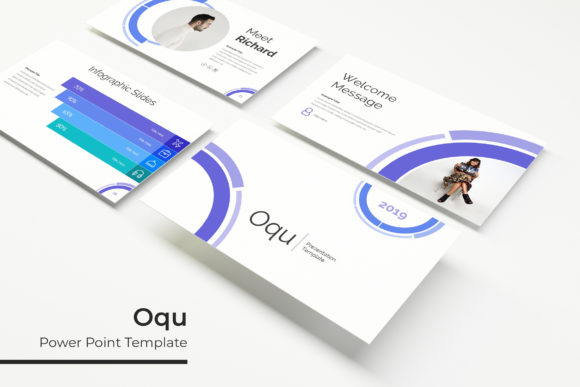
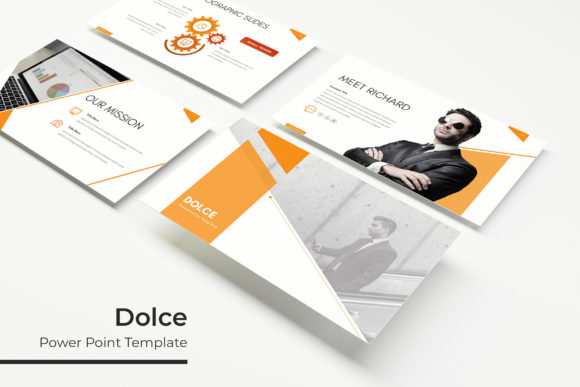
While the Dolce Power Point Template offers considerable value, it is important to understand what it does not include. The preview images shown in the product listing use photographs and pictures that are not part of the template. This is standard practice in the template industry, but you should plan to supply your own images. The template provides placeholders, not stock photography. If you do not have a library of images ready, you will need to source them separately.
The template requires that you have access to Microsoft PowerPoint or a compatible application that supports PPTX files with master slides. Users of free presentation software may find that some advanced formatting or master slide features do not transfer perfectly. The readme file included with the download provides guidance on font installation and basic setup, which is helpful but assumes some familiarity with PowerPoint workflows.
Font licensing is another consideration. The template uses fonts that are freely available for download, with links included. However, you should verify that the font licenses cover your intended use, especially for commercial projects or client deliverables. Free fonts sometimes have restrictions on redistribution or commercial use that could affect how you deploy the final presentation.
Quality, Usability, and Long-Term Value
The overall quality of any PowerPoint template depends on how well it holds up under real editing conditions. The Dolce Power Point Template benefits from being built on master slides, which makes global edits feasible and reduces the chance of broken layouts. The five color variations are not merely recolored versions of the same slides; they are separate PPTX files, each with 30 slides, which suggests that the color schemes were applied thoughtfully rather than through a simple find-and-replace approach.
Usability is strong for users who are comfortable with PowerPoint's master slide view and basic editing tools. Beginners may need to refer to the readme file or a quick tutorial, but the drag-and-drop image placement and editable graphics make daily use straightforward. For teams, having consistent templates across members reduces the time spent on formatting reviews and last-minute alignment fixes.
Long-term value depends on how many presentations you create and how frequently you need fresh visual options. With 150 slides across five themes, you can reuse this set for multiple projects without repeating the exact same layouts. The resizable graphics also mean that as your content needs evolve, you can adapt slides rather than starting from scratch. For professionals who produce more than a few presentations per year, this template set can save measurable time.
Final Observations
The Dolce Power Point Template delivers a practical balance between variety and consistency. The five color variations, 150 total slides, and master-slave architecture make it suitable for professionals who need reliable, editable presentation materials. The handcrafted infographics, section breaks, and portfolio slides address specific content needs that generic templates often overlook. The main limitations are the absence of included photographs and the requirement to work within PowerPoint's ecosystem. If you have your own images and a working knowledge of PowerPoint, this template set offers a solid foundation for producing clean, professional presentations across multiple contexts without reinventing the slide deck each time.